
Metaroom Scan App is available only on the Apple App Store and works on iPhone Pro and iPad Pro devices.
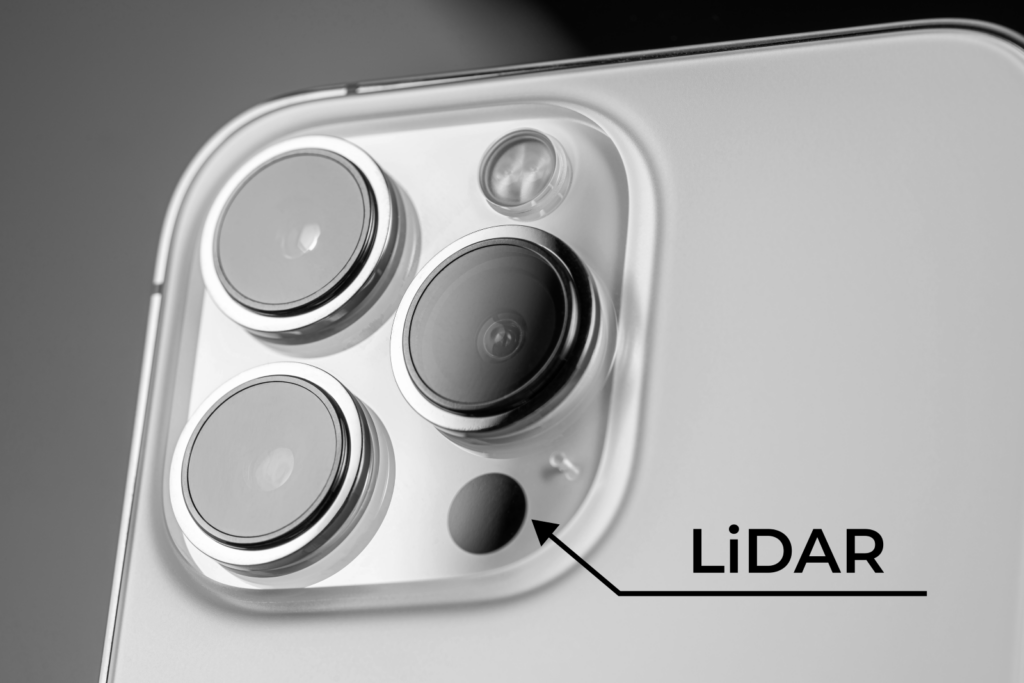
Please be aware that to use the app’s scanning functionality, your Apple device must have a LiDAR sensor (all Apple Pro devices, starting with iPhone 12 Pro and iPad Pro 2020 generation, have a LiDAR sensor).
How can I download the Metaroom Scan App?
You can either download the Metaroom Scan App by scanning the QR code below or searching for the Metaroom Scan App in the App Store.

Here is a step-by-step guide on how to find and download the Metaroom Scan App on the Apple App Store:
- Open the App Store on your iPhone Pro or iPad Pro.
- Tap on the Search tab.
- Type -> Metaroom.
- The Metaroom Scan App logo will appear in the search results, so tap the “Get” button.
- Once the app is successfully installed on your device, you can open the Metaroom Scan App on your Apple Pro device:
- If you are a new user, you will need to create a new account by tapping the “Register” button:
- Fill out the registration form with your basic information and tap the “Sign up” button.
- You will receive a confirmation email to verify your email address. Click “Confirm your email” in the received email.
- For faster account creation, you can also sign up using Apple, Google, Facebook or Microsoft account. Click the relevant button on the registration page.
- If you have already created an account, tap on the “Login” button:
- Type your email address and password, and tap “Sign in”.
- If you are a new user, you will need to create a new account by tapping the “Register” button:
- Well done! You are ready to start your 3D scanning experience with the Metaroom Scan App!


