
During scanning, the Metaroom Scan App automatically captures dominant colors and textures for all elements and integrates them into the 3D model. This makes navigation within the model easier and more intuitive.
Please note: textures are available for spaces scanned on or after 21 May 2024 only.
How can I show or hide textures in the 3D room model?
Textures are displayed by default in the Metaroom Workspace. Follow these steps to toggle them:
- Open your scanned space in the Metaroom Workspace.
- Click the Textures icon in the top toolbar to show or hide textures.

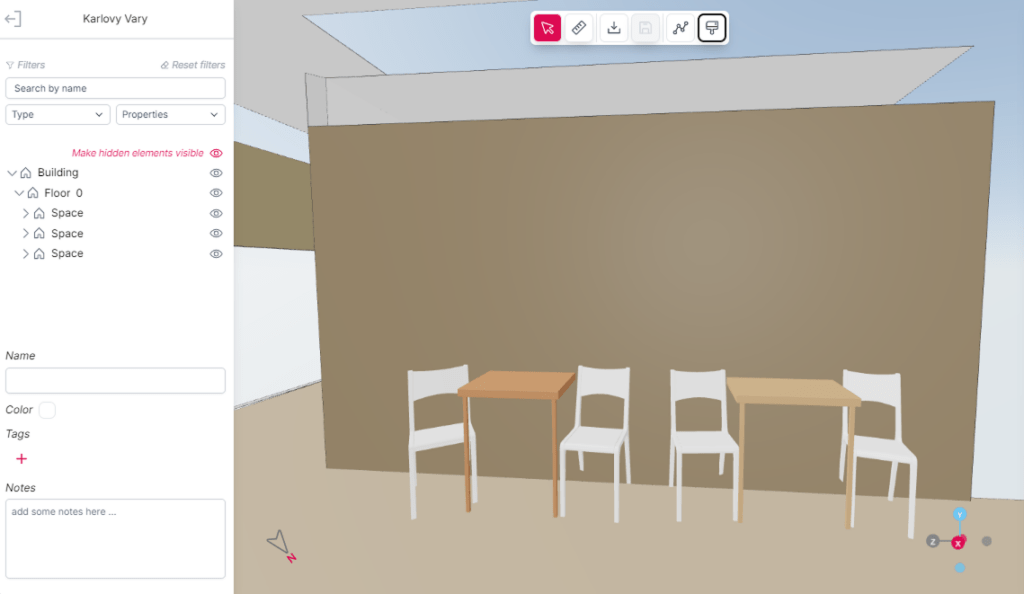
Please note: textures may take a moment to appear depending on your internet connection.


